Free manual camera for iPhone
Your settings. In the file.
Set ISO, shutter speed and f-stop yourself. Real ProCam takes the photo with exactly those values, on every rear lens from 0.5× to 8×.
Short tour
See it work.
Manual ISO
The one control the Camera app leaves out.
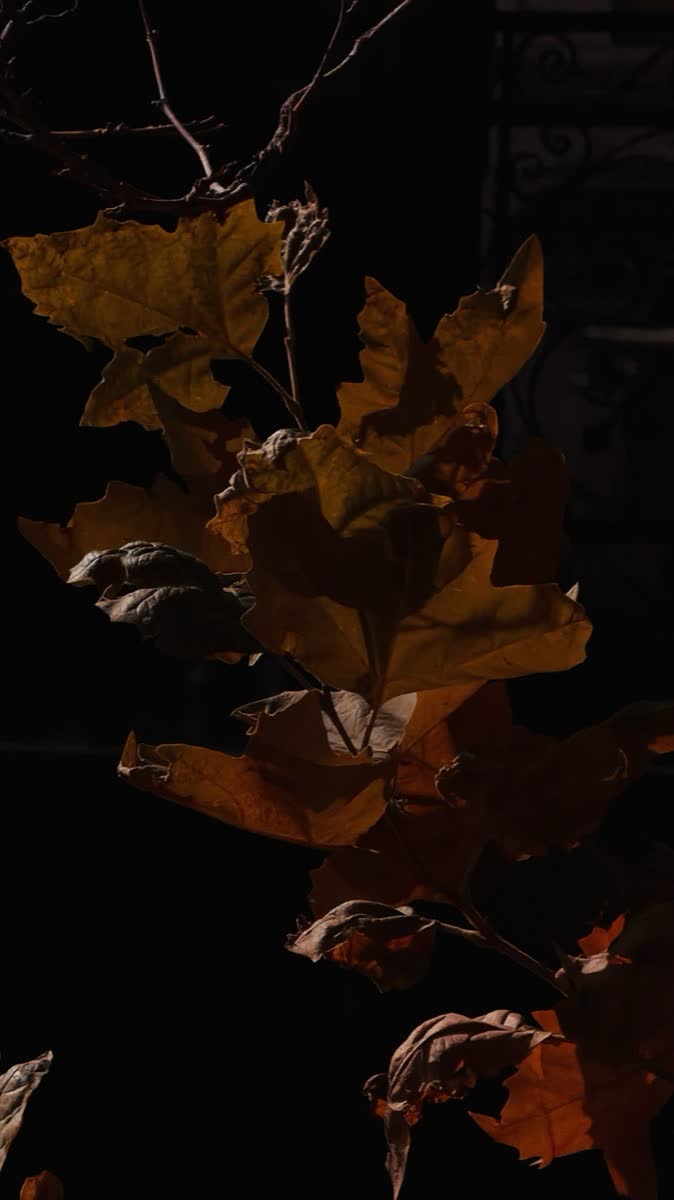
I'm a photographer, and on the iPhone I could never set ISO myself. So I built the camera I wanted: you turn the dial, and the file keeps the value.
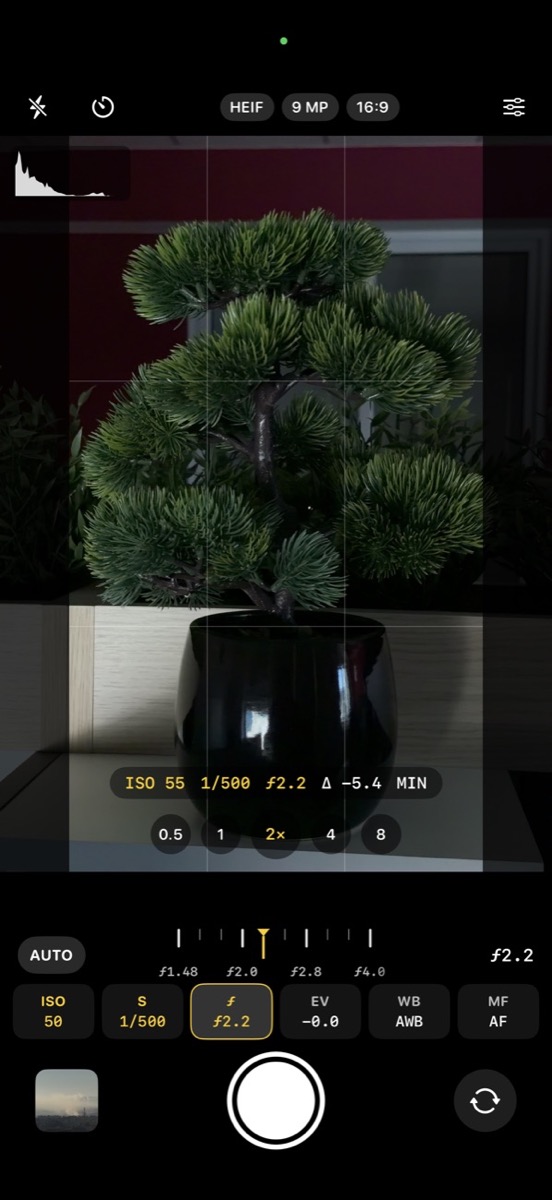
Every value by hand
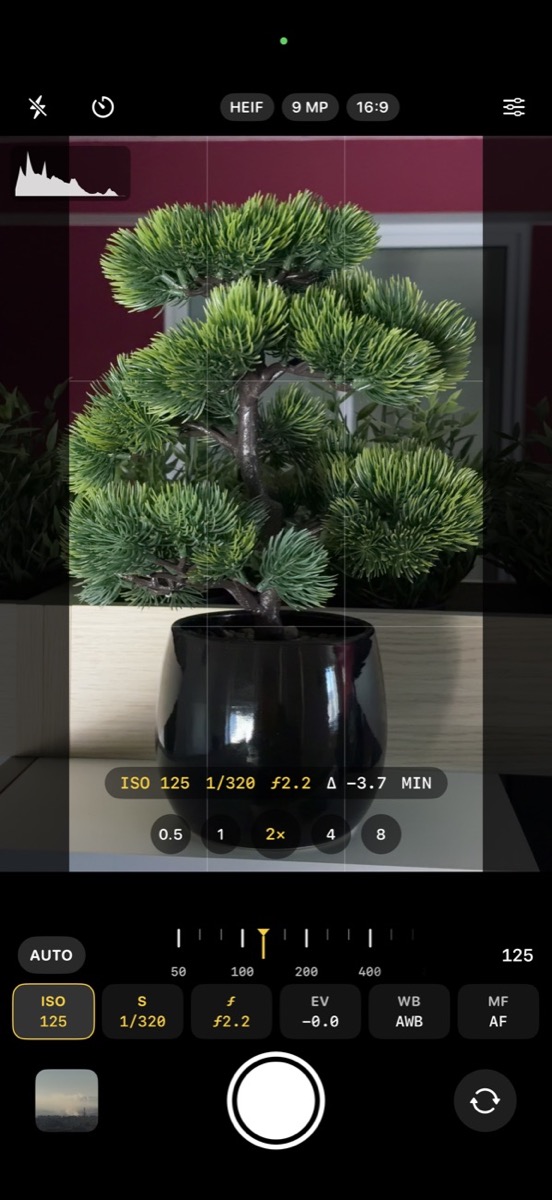
Shutter. f-stop.
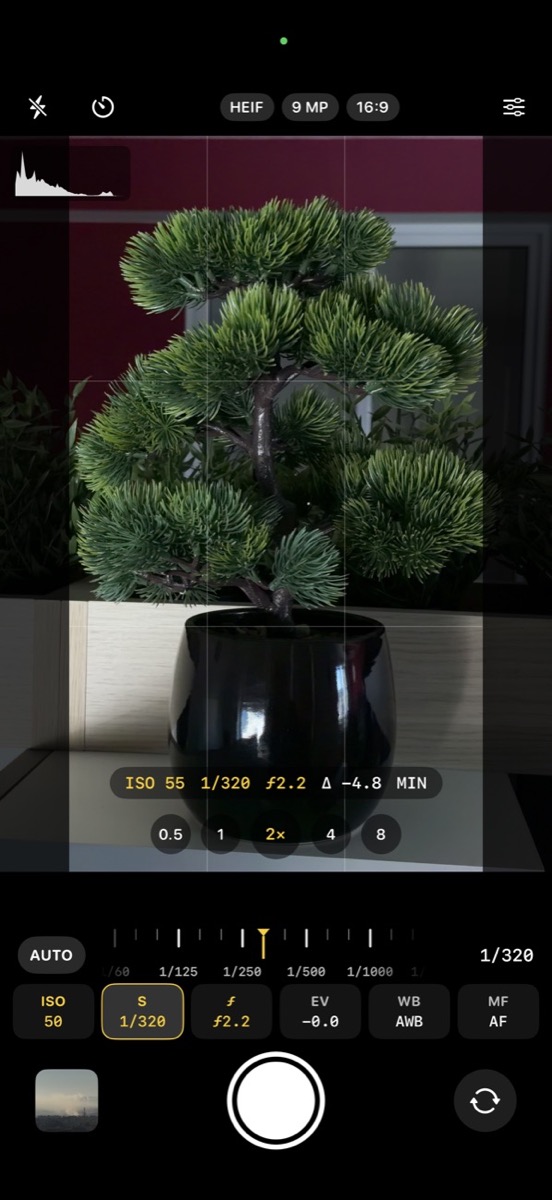
A dial for each value, with the meter (Δ) telling you how far you are from the metered exposure. A dark frame you meant to be dark stays dark.
Three ways to shoot
Manual. Visual. Auto.
One switch under the viewfinder. Choose how much the iPhone gets to do.
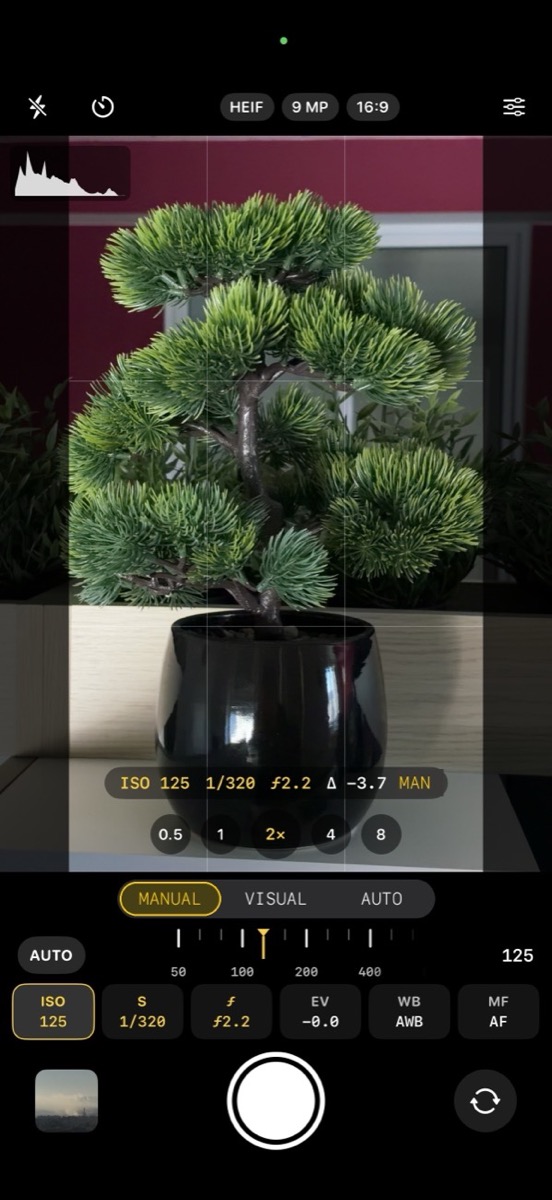
Exactly what you set.
ISO, shutter speed and f-stop are yours, and the photo file keeps exactly those values. One frame with minimal processing, so you see what the camera really captured.
- Values: exactly as set, in the file
- Processing: minimal
- For: full control, dark frames that stay dark
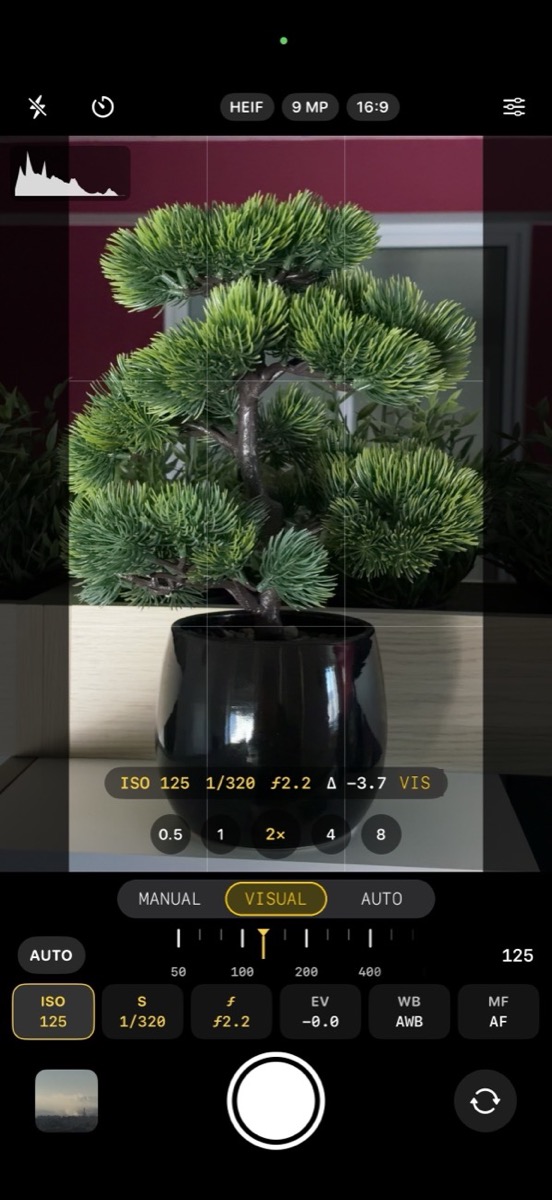
Your settings, finished by the iPhone.
You still set everything by hand, so the exposure looks like what you chose. Then the iPhone processes the frame for a cleaner, more detailed picture.
Visual, because the picture looks like your settings and because the processing makes it look better: manual control and processing together.
- Values: set by hand; the file can differ slightly, Photo Info shows the real ones
- Processing: the iPhone's full processing
- For: your exposure with a cleaner result
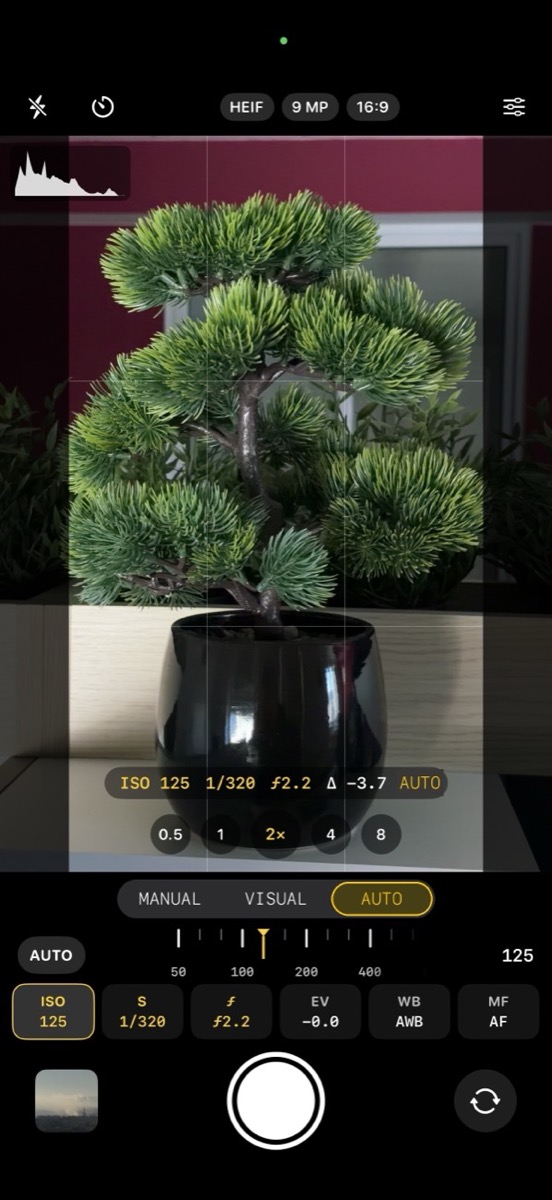
Point and shoot.
Everything automatic, with the iPhone's full processing. On 4× and 8× the app adds a stronger noise reduction.
- Values: chosen by the camera
- Processing: full, plus extra noise reduction on 4× and 8×
- For: quick shots when there is no time to set anything
Every rear lens
From 0.5×
to 8×.
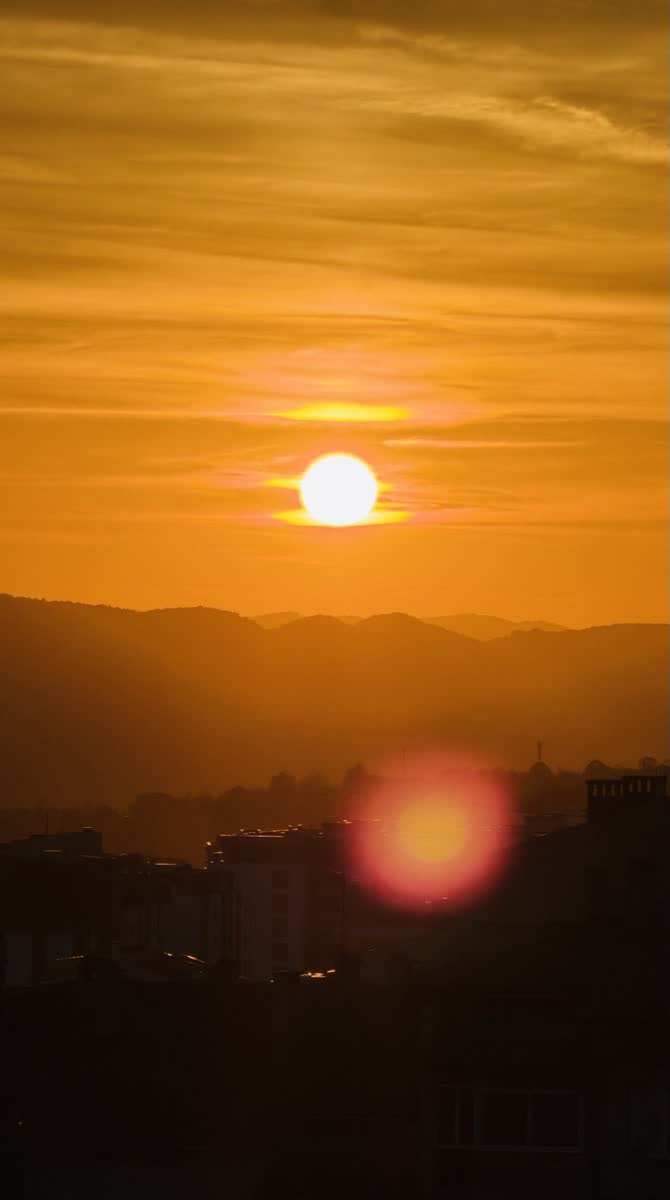
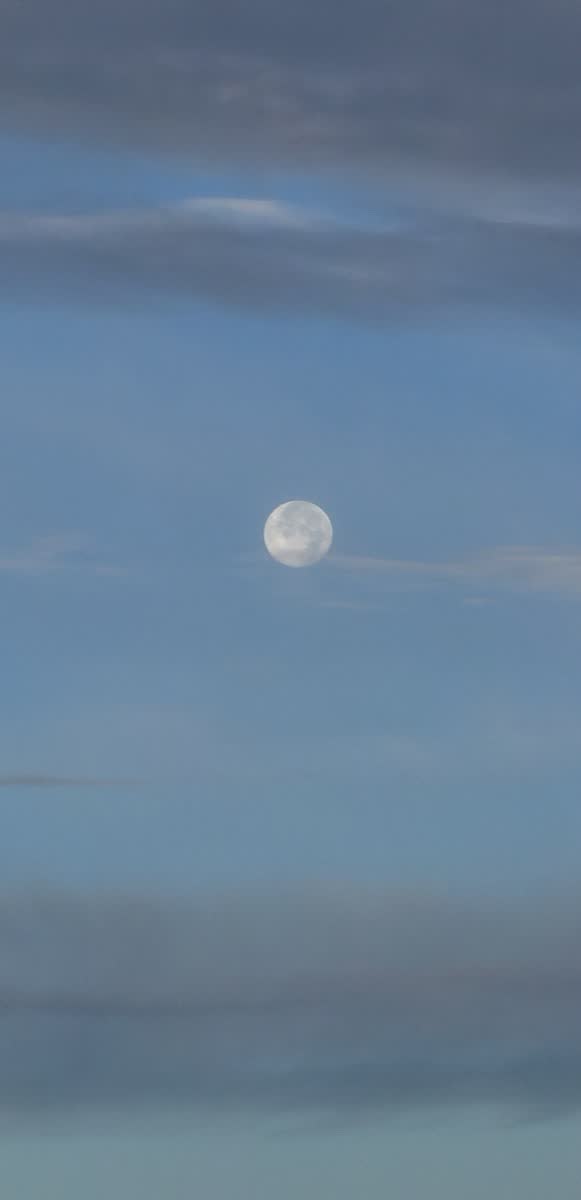
A button for each rear camera, plus 8× on iPhone 17 Pro and iPhone 18 Pro. The sunset and the moon here are both 8×, ISO 20, with the numbers read from the files.
On a tripod BETA
Slow modes.
Hundreds of frames, combined into one photo. Tap the moon button, set the iPhone on a tripod, press the shutter and do not touch it until the progress ends.
Waterfalls
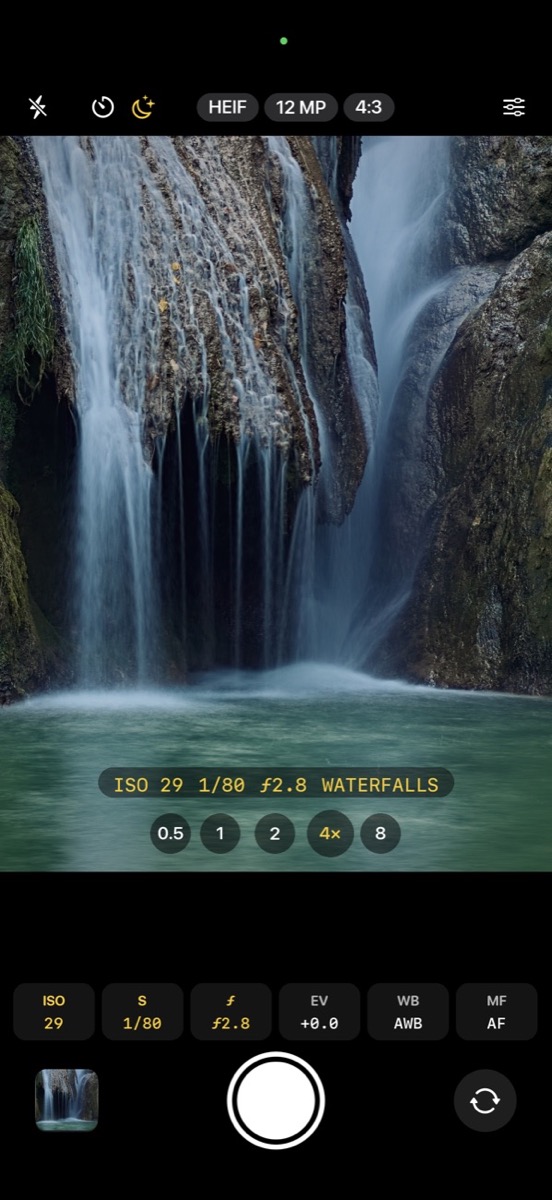
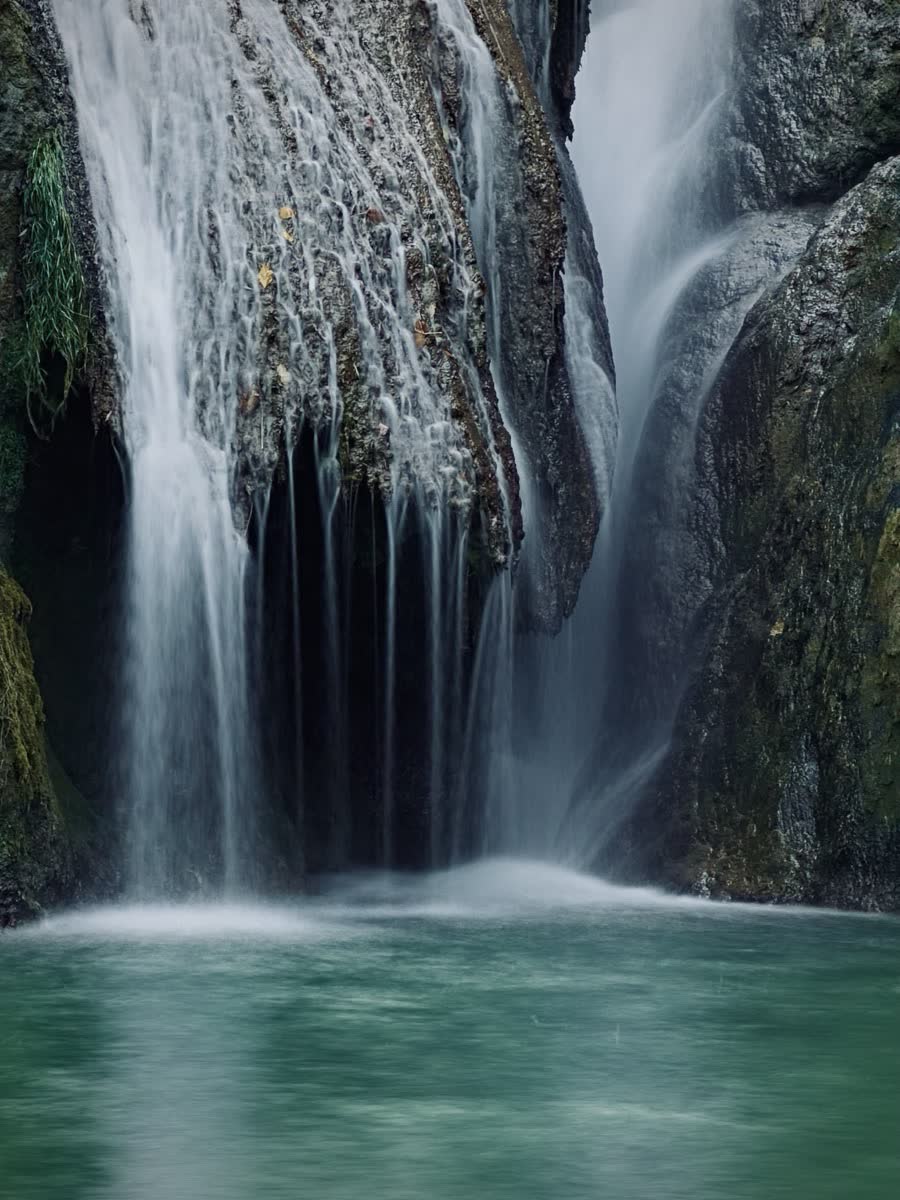
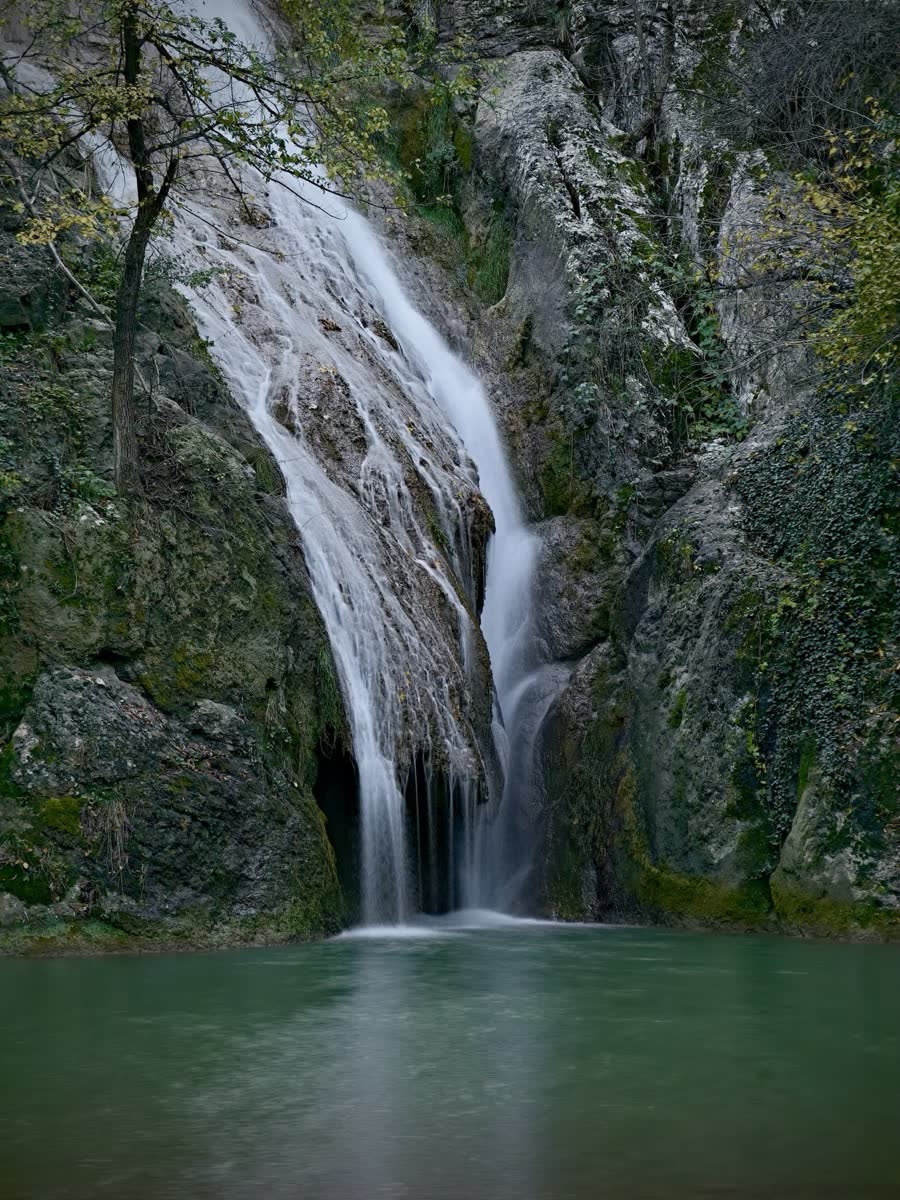
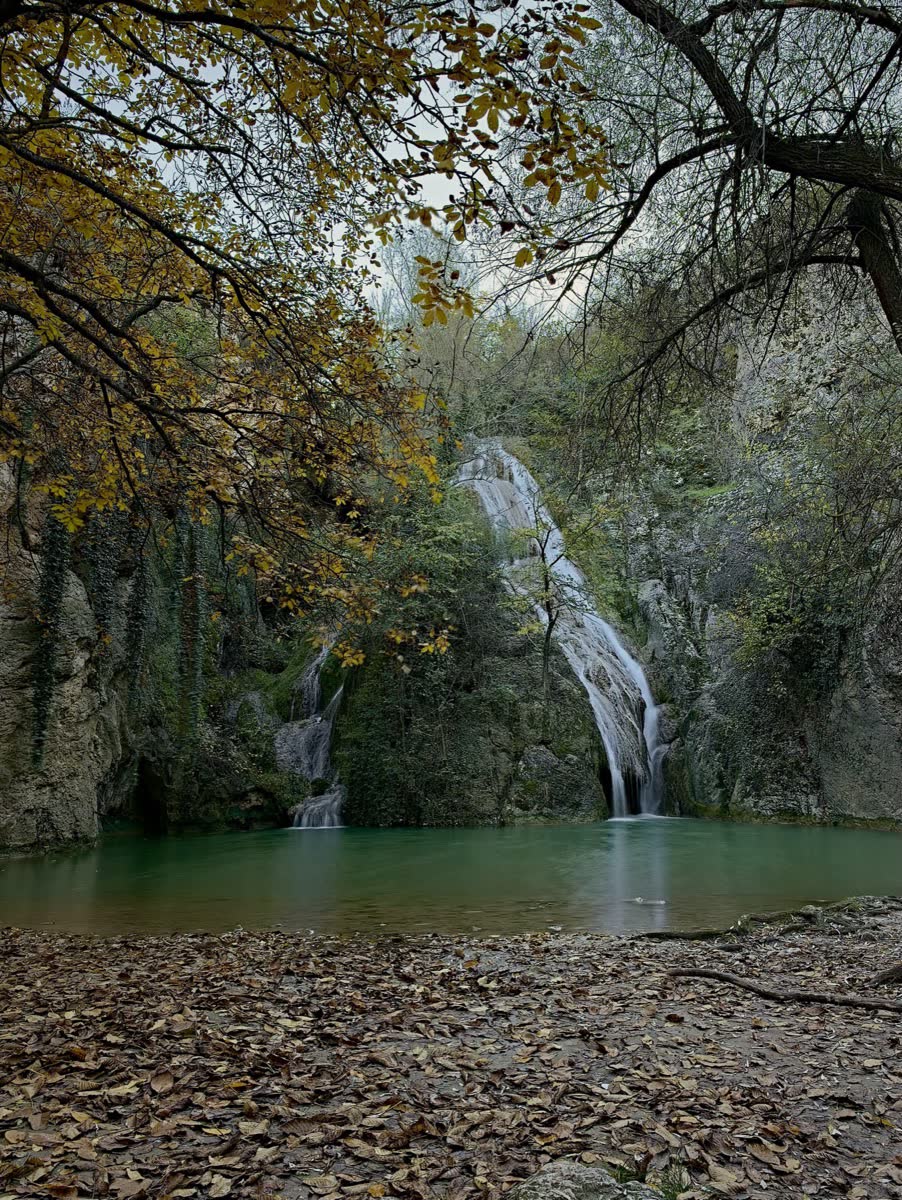
Silky water. No ND filter.
Fully manual. For 20 seconds the app takes hundreds of frames with exactly your values and combines them. The water turns smooth while the rocks stay sharp, with white water that keeps its texture.
Night Sky
Stars as
bright points.
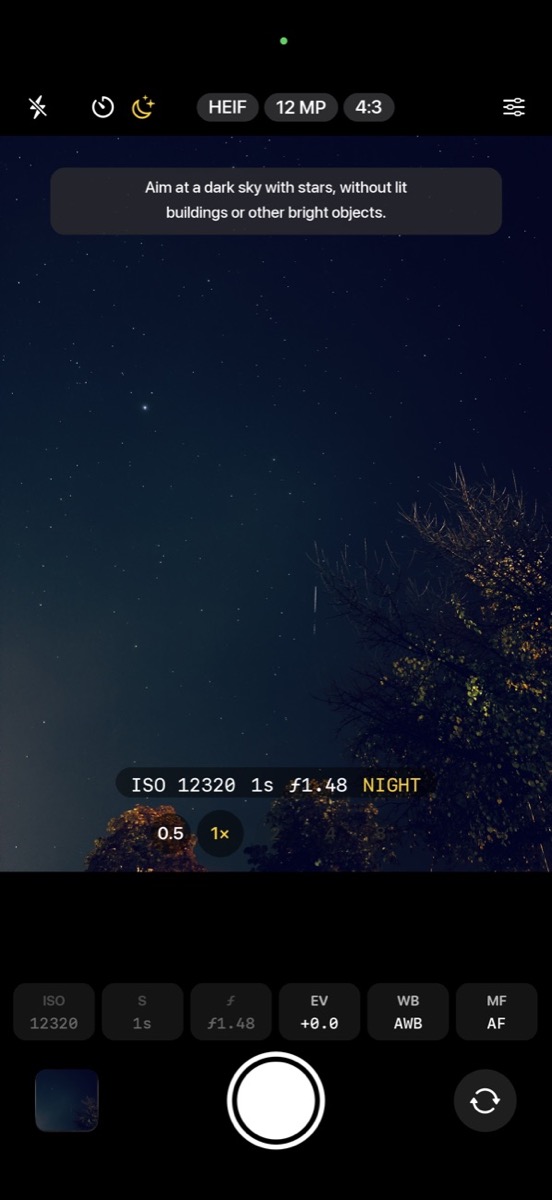
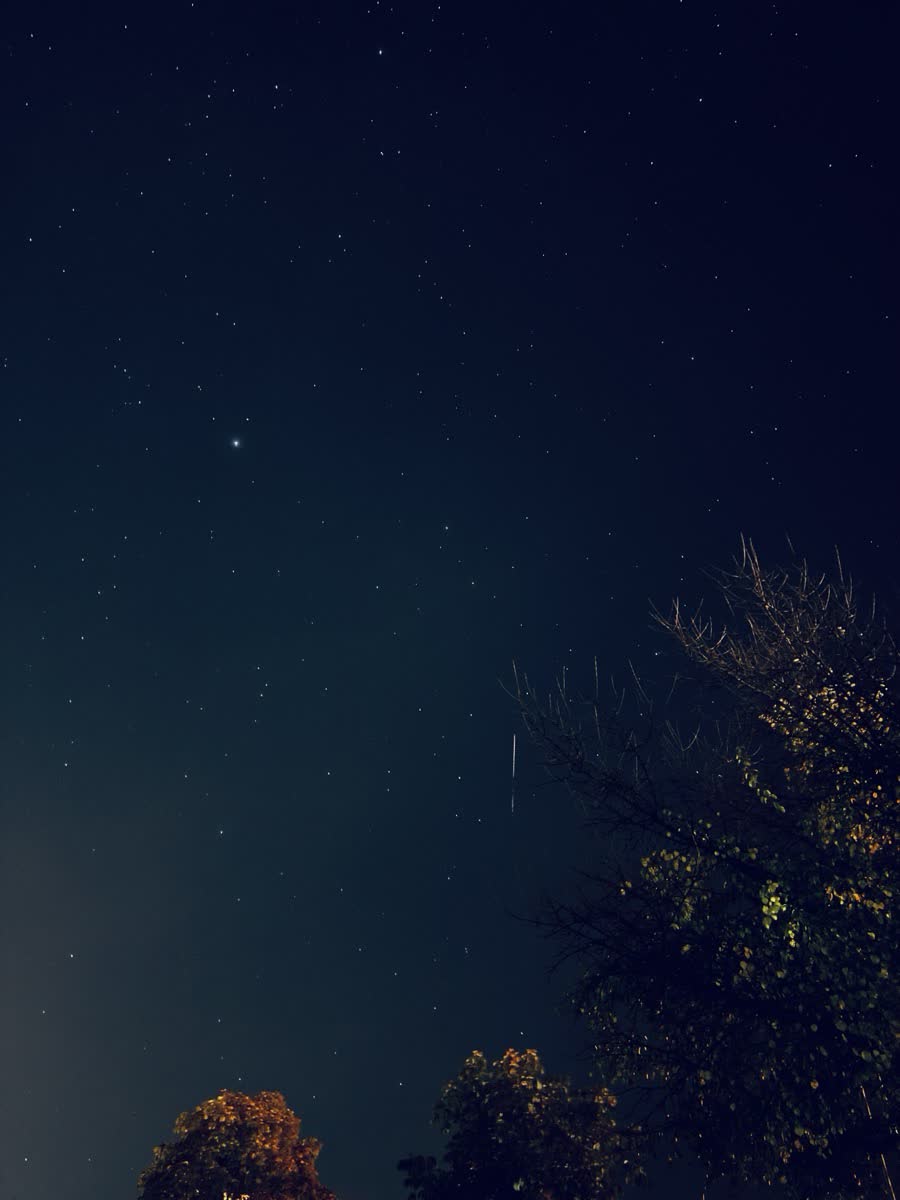
Aim at a dark sky. The app chooses the values: 1 second frames at the widest aperture, for 20 seconds on 1× and 30 seconds on 0.5×. Stars stay bright points over a deep blue sky.
Night Town
The city after dark.
Fully manual. Frames for about 10 seconds, at least 20 of them, on a tripod. Passing car lights draw trails, and walls and streets get their real colours back from the orange of street lamps.
Guide
Which mode, when.
A quick map of the six ways to shoot, and where to start with each one.
From a photographer
Tips for your settings.
Pick the shutter speed first
It decides what moves and what freezes. Hand-held, stay at about 1/60 s on 1× and 1/500 s or faster on 8×; slower than that, use a tripod.
Keep ISO as low as the light allows
Low ISO means less noise. Set the shutter and f-stop you want, then raise ISO only until Δ is where you want it.
Read Δ, not only the viewfinder
Δ 0 is the metered exposure. A minus value is darker on purpose: −1 to −3 keeps a sunset's colour and the sun round. Real ProCam does not pull it back up.
Watch the right edge of the histogram
If the graph climbs the right wall, the brightest parts are lost. Lower ISO or use a faster shutter until it comes off the edge.
Shoot RAW when you plan to edit
RAW (DNG) is on 0.5×, 1× and 4×, always 4:3. It keeps the most room for editing. Use HEIF or JPEG for photos you share straight away.
Use a tripod for the slow modes
Waterfalls, Night Sky and Night Town need the iPhone to stay still. There is a 3 second countdown, and if the iPhone moves nothing is taken.
For people who shoot manual
Everything you reach for.
RAW, ProRAW, TIFF
Untouched RAW (DNG), lossless ProRAW, uncompressed TIFF, HEIF and JPEG.
Exposure meter
Δ shows how many stops your exposure is from the metered one, live.
Histogram
A live histogram over the viewfinder, on or off in the settings.
Manual focus
Focus by hand with MF, or tap the viewfinder in autofocus.
Level and grid
A level and a grid for straight horizons and careful framing.
Photo Info
The values you set next to the values written in the file, for every shot.
Free. Private.
No subscription, no in-app purchases, no ads, no account. Real ProCam collects no data. There is no tracking, and your photos stay on your device.